
Interactive Educational Sessions with Live Participation
Display live polls, questions, and real-time audience reactions directly on stage screens — fully moderated and controlled from one unified dashboard.
The Challenge of Live Audience Interaction on Screen
Large events and broadcasts often rely on one-way presentations. Even when audience interaction tools are available, results remain on personal devices and never become part of the shared on-stage experience.
Event organizers struggle with:
Low visible audience participation
Poll results disconnected from stage screens
Unmoderated questions appearing live
Disconnected in-room and remote experiences
Lack of structured engagement data
On-screen audience interaction should feel seamless, controlled, and impactful — not improvised.
How Pubble Powers Live On-Screen Interaction
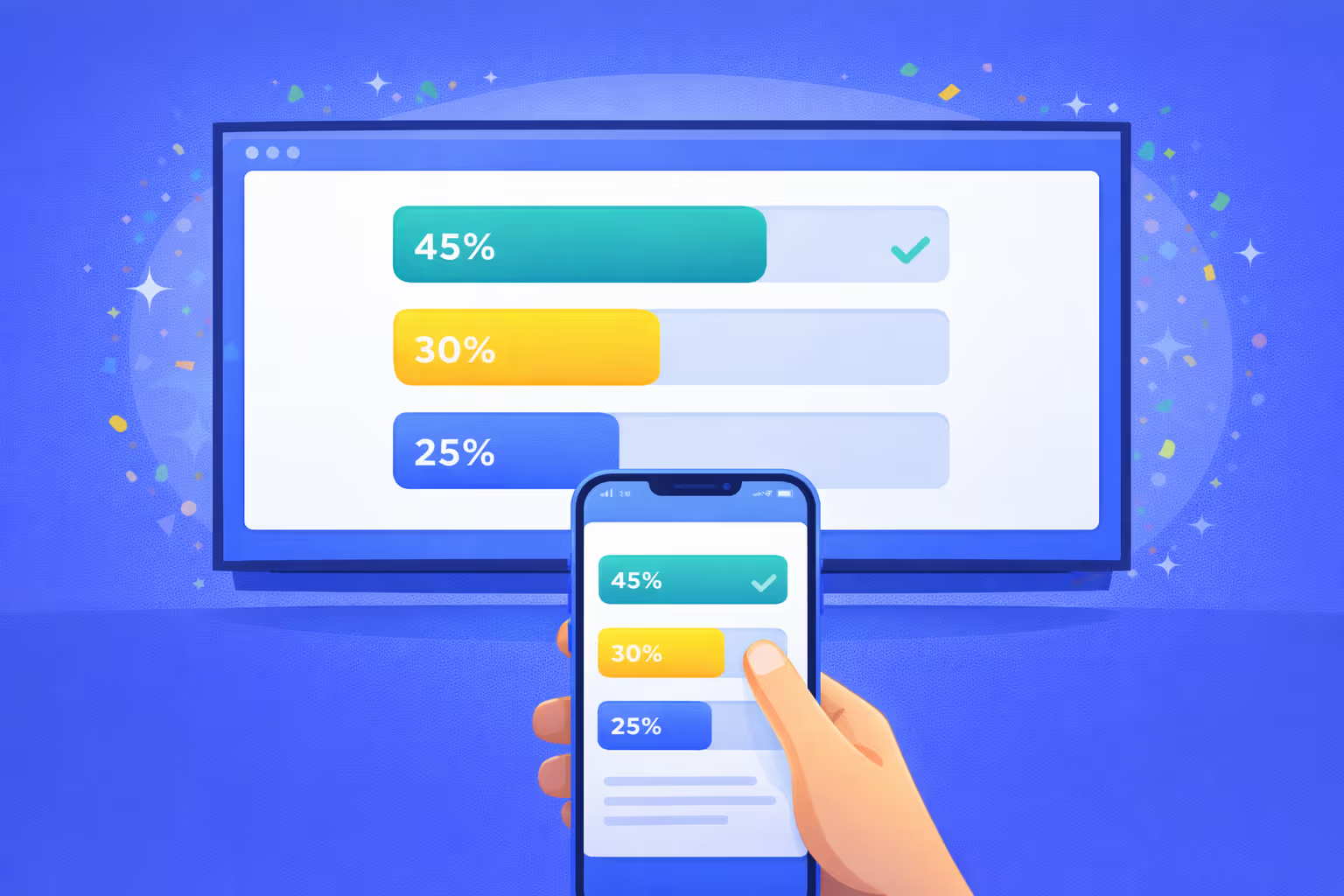
Pubble enables real-time audience input to appear directly on stage displays, venue walls, or broadcast overlays.
Audiences can:
- Vote in live polls
- Submit moderated questions
- React instantly to speakers
- Participate from mobile or web
- See their input displayed live on screen
Moderators manage everything from the Pubble Dashboard — approving questions, controlling poll timing, and monitoring engagement analytics in real time.
The result is a dynamic stage experience that visually reflects audience participation.
Tools Powering This Experience
SlideCast
Transform presentations with live polls, Q&A, and feedback that sync automatically with audience devices.

Live Blog
Power your events and conversations with seamless real-time engagement technologies
Outcomes for Event & Production Teams
Increase visible audience participation
Energize keynote sessions and panels
Maintain moderation and compliance control
Synchronize in-person and remote interaction
Capture structured engagement analytics
Enhance production value of live events
Example: Global Leadership Summit
During a keynote, a live poll appears on the main stage screen. Attendees vote instantly from their phones. Results update in real time. Moderated questions are displayed during the Q&A session. Reactions subtly appear during announcements.
The result: The stage becomes interactive — reflecting audience input as part of the experience.
Related use cases
Event Engagement Suite
Audience Feedback Loop for Media
Fan Engagement During Broadcasts
Bring Your Audience Onto the Stage
Make participation visible, controlled, and impactful.