

Select app you want to push an update to
Realtime Updates
You can push an update from the dashboard to a Live QA or Live Blog type widget. An update is basically a short bulletin you can post for all users of the widgets to see.
Pushing an Update
To post an update, select either Community QA, Live Blog or Live QA from the left menu of the dashboard
Then select a specific app you want to post to from the right-side menu:
Once an app is selected you will see an option to "Add Update" in the middle section:
You will then see the following modal with several options:
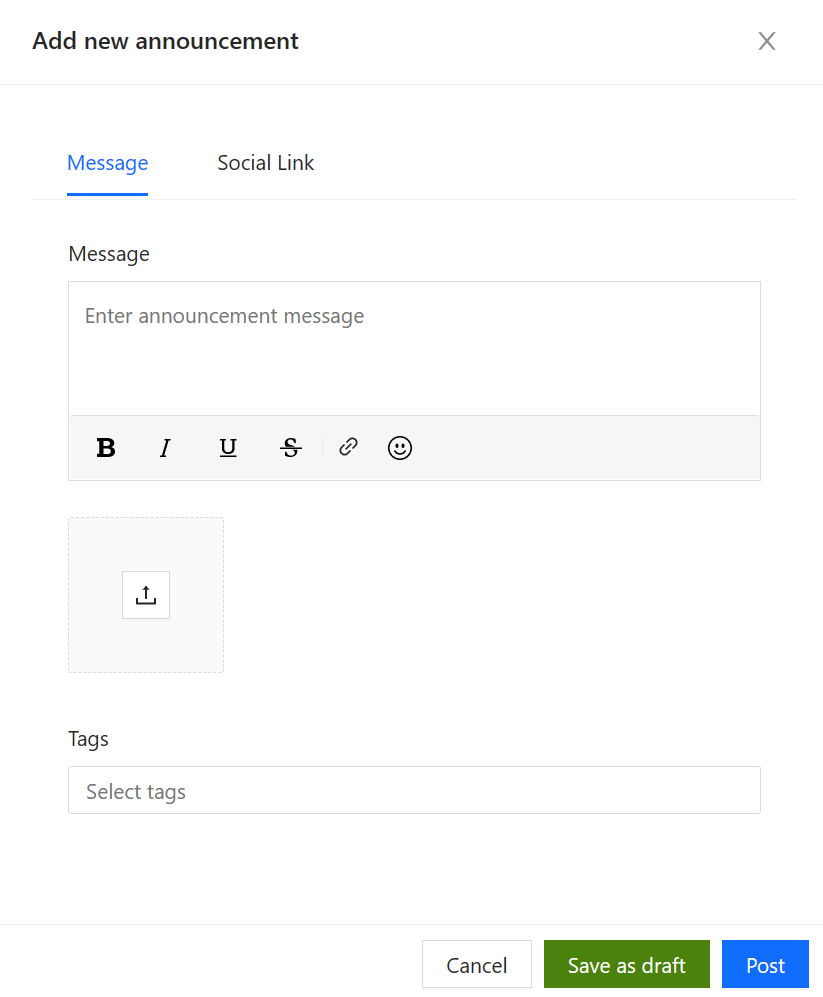
Update options
You can push an update that contains text and uploaded images, an update that is a Tweet a Youtube video or single image.
Updates that contain multiple images will show one image by default. Other images will be shown as thumbnails which can be clicked to bring to the fore:
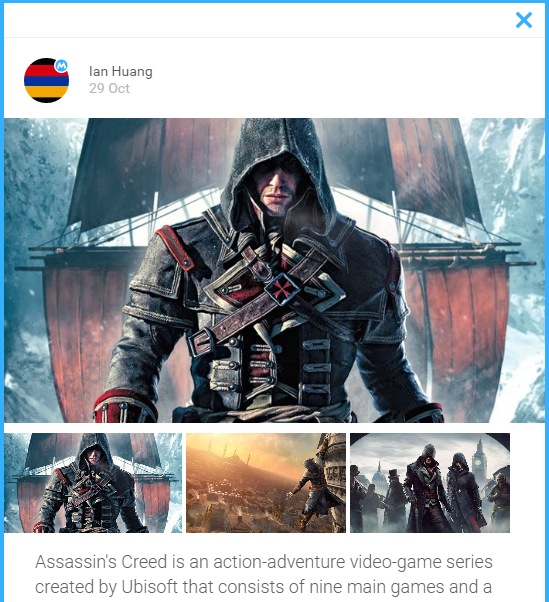
Example of an update containing text and images
Tweet updates will display exactly like a Twitter card:
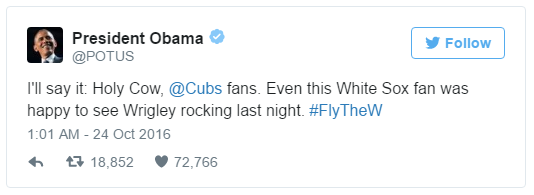
Example of a Tweet update